Remove embedded AI info from images.
Share the picture without passing along its prompts and workflow.
Drop your images here
JPEG, PNG and WebP · 20 MiB each · 20 files per batch
Remove supported embedded records without re-encoding the image.
Up to 40 million pixels. Browser decoding is checked; for animation, only the first frame is verified.

Drag to compare metadata layers; labels are not image pixels.
- tEXt: Detected → Removed
- tEXt: Detected → Removed
Details
AI-generated example scene · metadata from the synthetic PNG sample
64 × 40 · 361 B → 262 B
Block-level inspection, not individual field detection. EXIF does not confirm GPS; text chunks do not confirm a prompt.
prompt: Synthetic coastal sunset example · workflow: {"example":true,"nodes":[]}
Your batch
One workspace. Every file accounted for.
Metadata cleanup cannot remove invisible watermarks or guarantee platform labels disappear.
Processed in your browser
Free. No sign-up.
Originals untouched
An image can carry more than you see.
Prompts, workflows and other hidden records may travel inside an image file. Check what you are sharing.
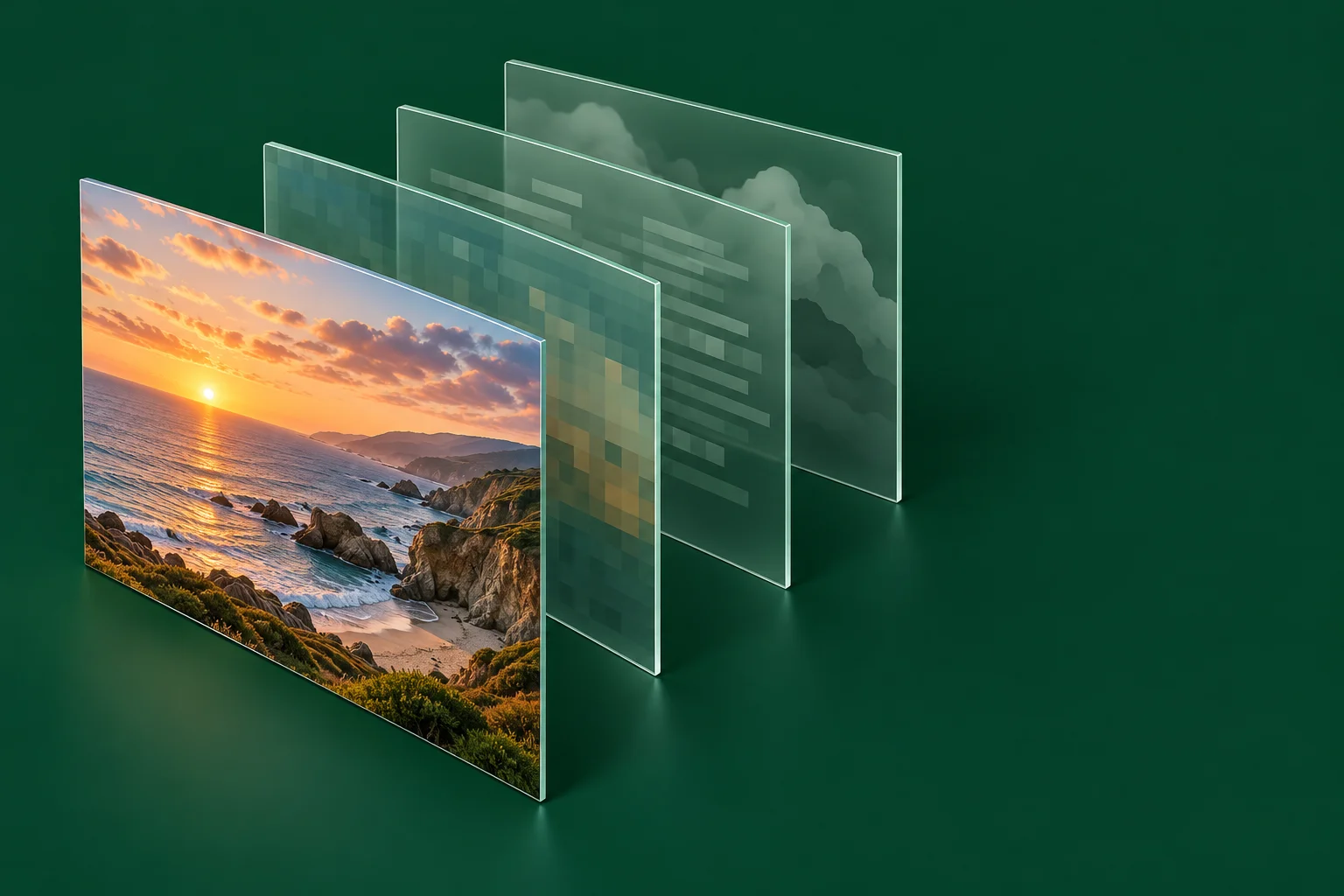
One ComfyUI PNG, tested locally
Embedded prompt/workflow removed; decoded pixels unchanged in this one author-provided sample.
Before you share
How do I share a ComfyUI image without its workflow?
Back up the original and workflow JSON, then clean a separate copy.
Read guide
What hidden information travels with my photo?
Check EXIF, GPS and XMP before sharing a copy.
Read guide
Why does an AI label remain after cleanup?
Understand platform signals and what a metadata cleaner can change.
Read guideCommon questions
Which AI information can I remove?
You can clean supported embedded records, such as prompts and workflows stored in PNGs. Coverage depends on the file format.
Is my image uploaded?
No. Reading, inspection and cleanup happen in your browser. Website and advertising requests are separate from image processing.
Can I recover the workflow from a cleaned copy?
The removed embedded data is no longer in that copy. Keep the original PNG and export workflow JSON before cleaning. Share those deliberately when you want others to reproduce your setup.
Will the picture change?
The default container cleanup preserves image data, color profiles and needed orientation. Re-encode creates a new PNG and may change color interpretation.
Does it remove AI labels everywhere?
No. It removes supported embedded metadata. Platforms may use other signals, and required disclosures still apply.